Which Macs are supported?
HyperNotch requires macOS 26 Tahoe or later and is designed for the notch on MacBook Air and MacBook Pro displays.
What does Ask Hyper require?
A Mac with Apple silicon and Apple Intelligence enabled in System Settings. All other features work on any supported Mac.
How do I open HyperNotch?
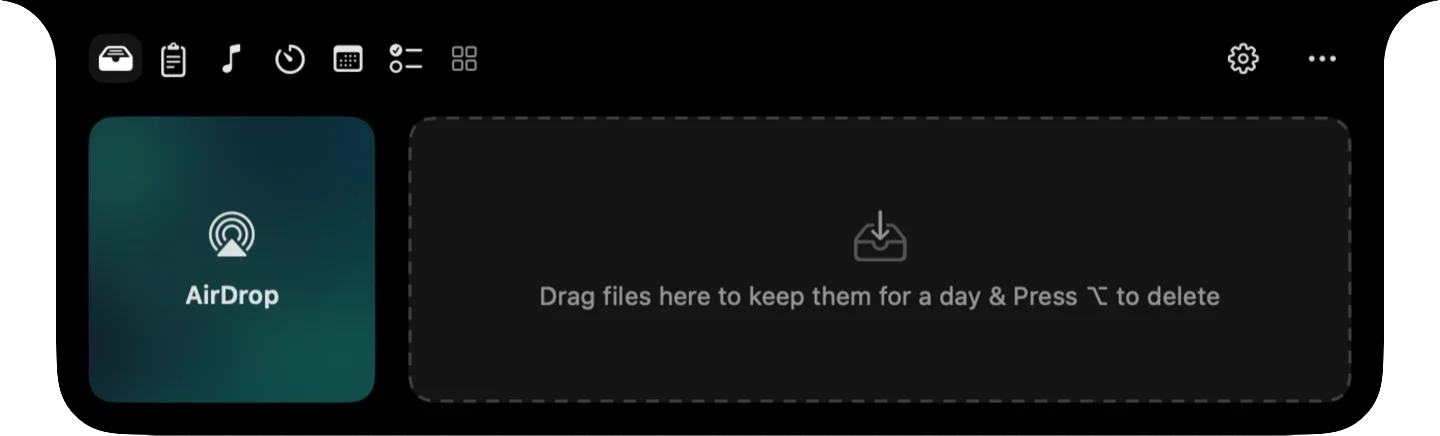
Hover over the notch or click it, depending on your preference. You can also assign a keyboard shortcut, and dragging a file onto the notch opens the File Shelf.
Can I customize which tools appear?
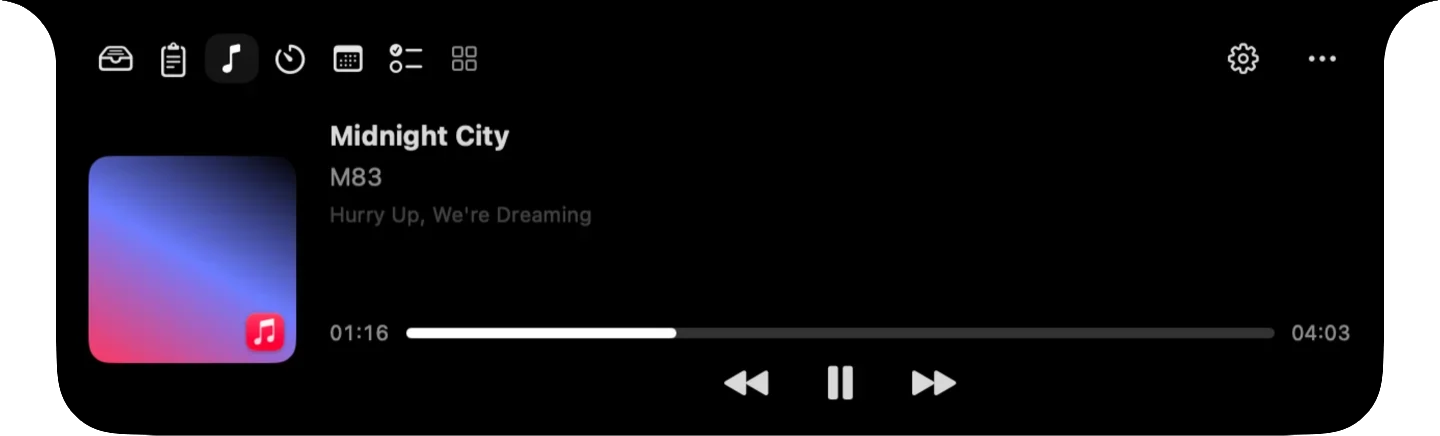
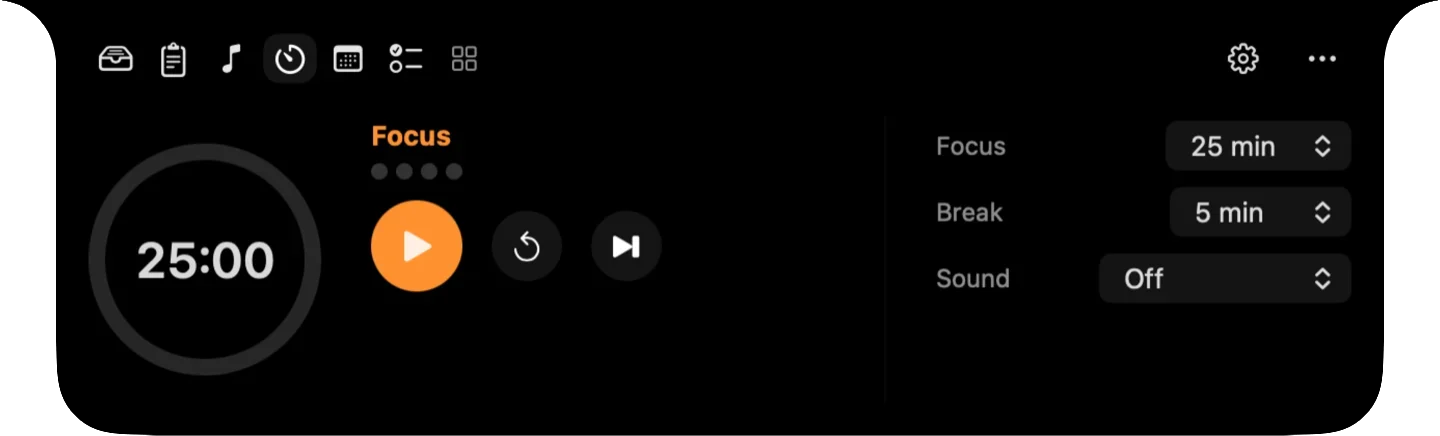
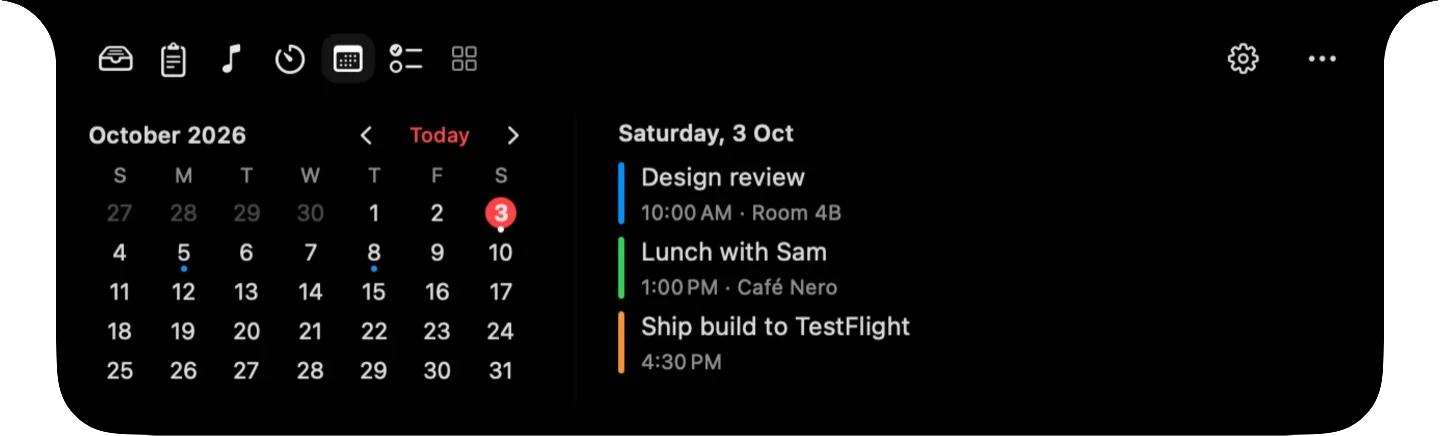
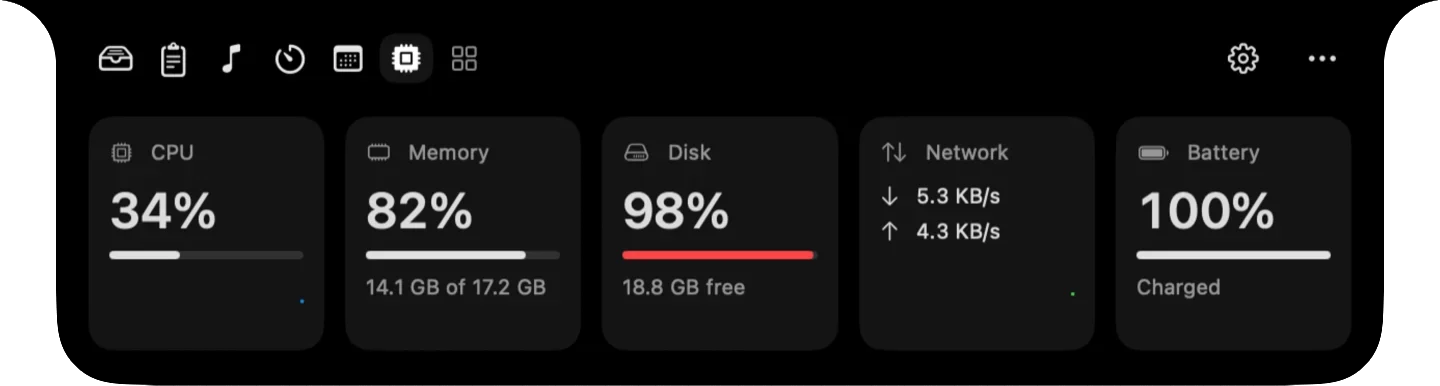
Yes. In Settings, you can enable or disable each tool and change their order. The first tools appear beside the notch, and the rest are one click away.
How does licensing work?
After purchase, you'll receive a license key by email. Enter it in Settings to activate HyperNotch on up to 3 Macs. You can deactivate a Mac at any time to transfer the license.
What is your refund policy?
If HyperNotch isn't right for you, contact us within 7 days of purchase for a full refund.

 Finder