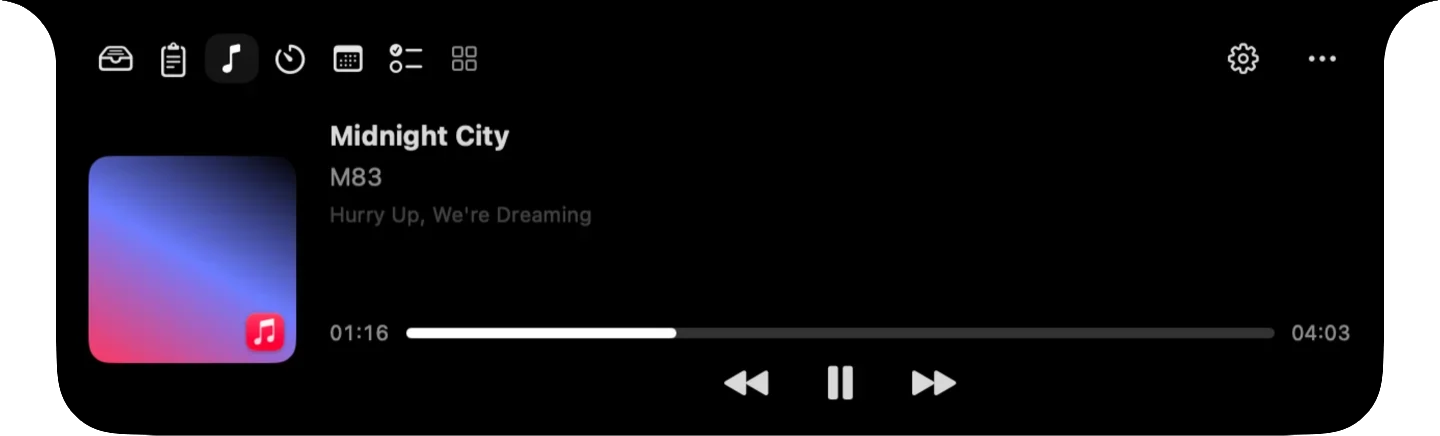
Media controls, file staging, a clipboard that searches inside screenshots, focus timers, your calendar and screen text capture, available from the MacBook notch.


HyperNotch expands from the notch when you hover over it, much like Dynamic Island on iPhone, and collapses when you move away.
View artwork, scrub through tracks and control playback for Apple Music, Spotify and other media apps without switching windows. While music plays, album art and a live equalizer appear beside the closed notch.

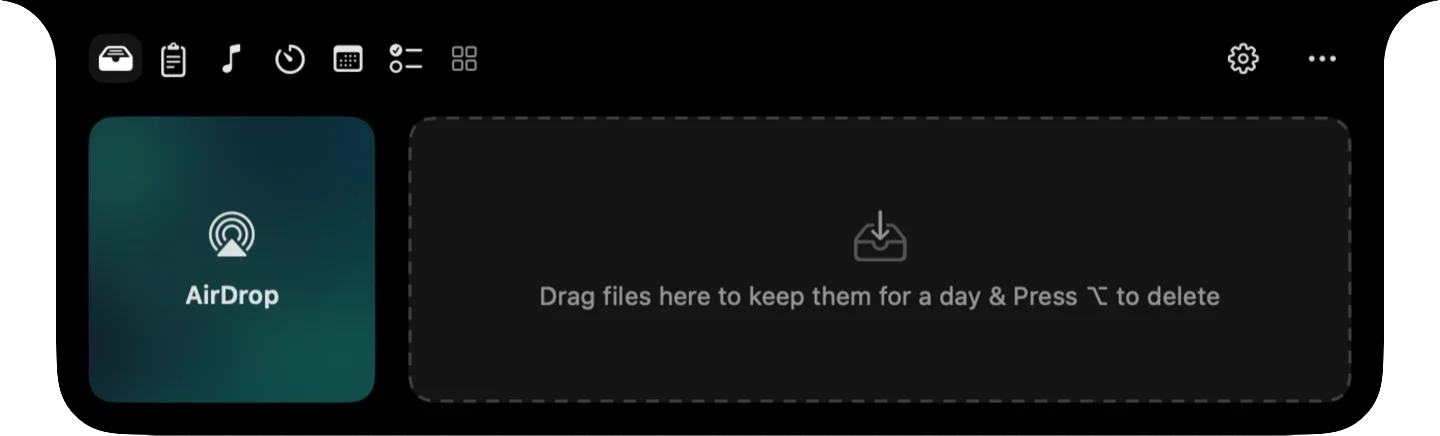
Drag files onto the notch to keep them within reach while you work, or drop them on AirDrop to send them to a nearby device.

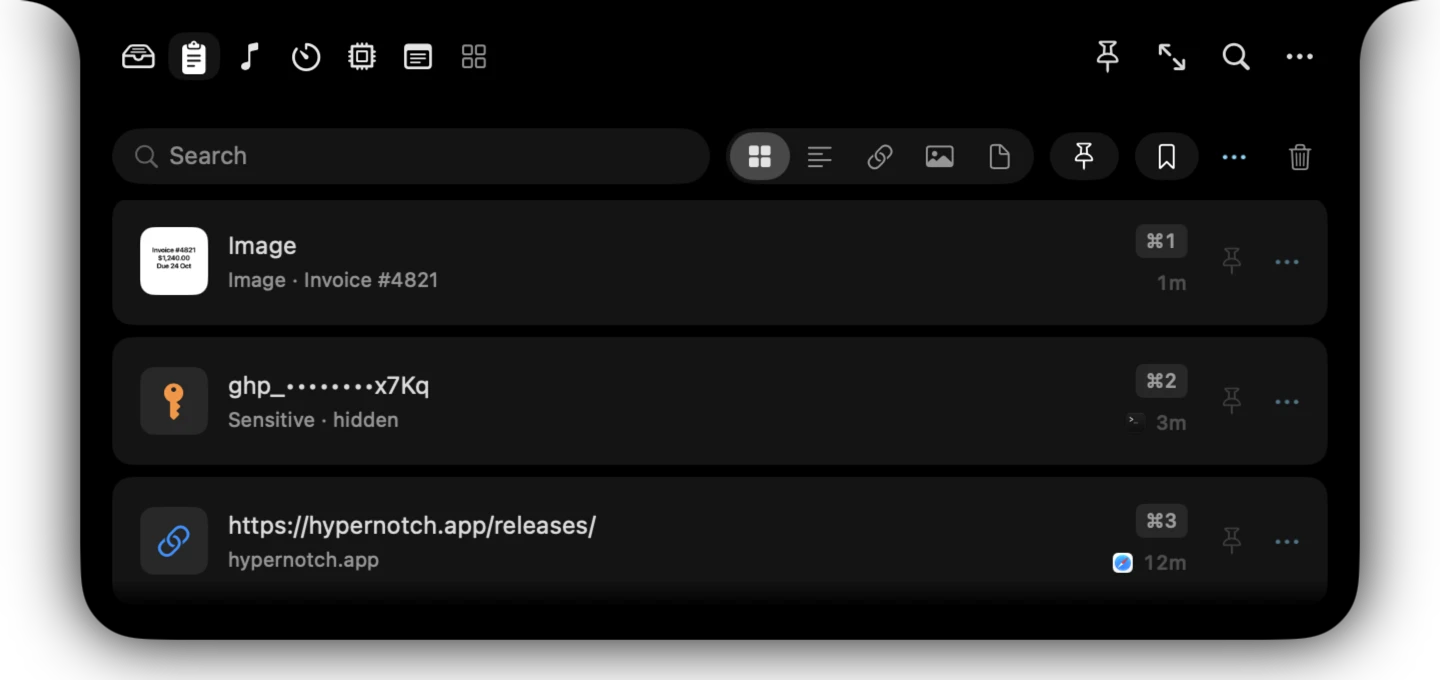
Search finds words inside copied images, and API keys and tokens are masked and deleted after five minutes. Press ⌘1 to ⌘9 to paste, select several clips to paste together, or save text you reuse as a snippet.

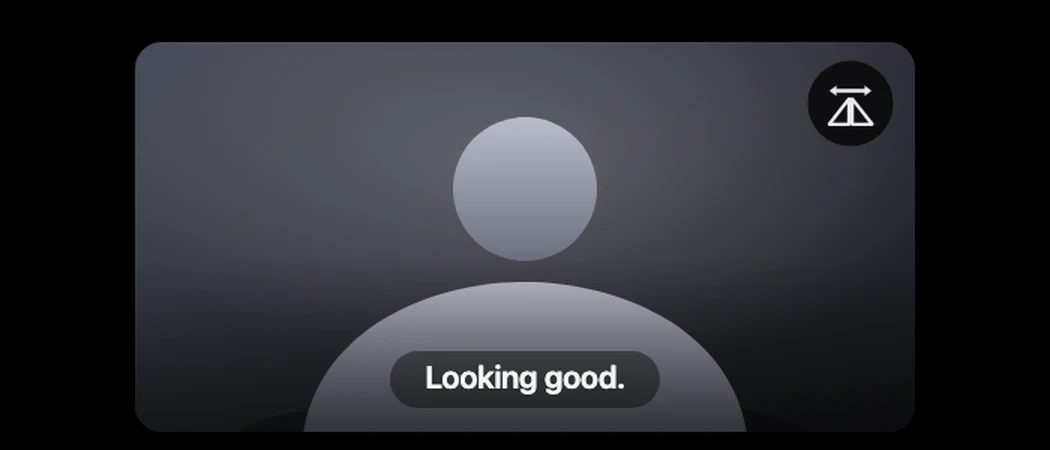
Mirror shows a live camera preview from the notch, so you can fix your framing in a second. Flip the image, or expand it for a larger view. The camera runs only while the tab is open.

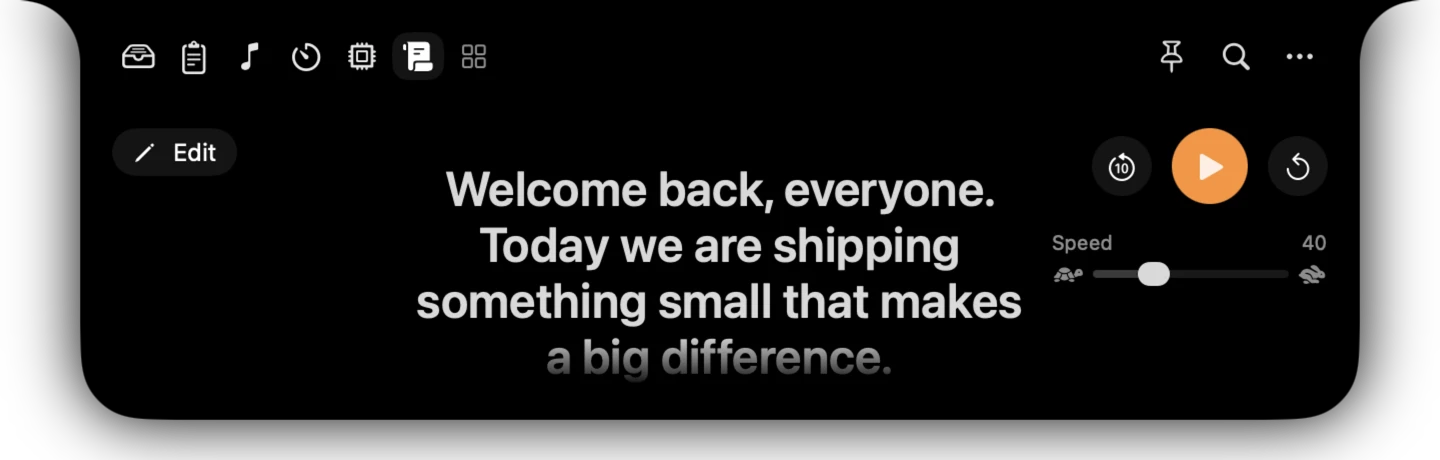
The Teleprompter scrolls large text beneath the notch, so you look at the lens while you read. Set the speed, jump back ten seconds, or restart from the top.

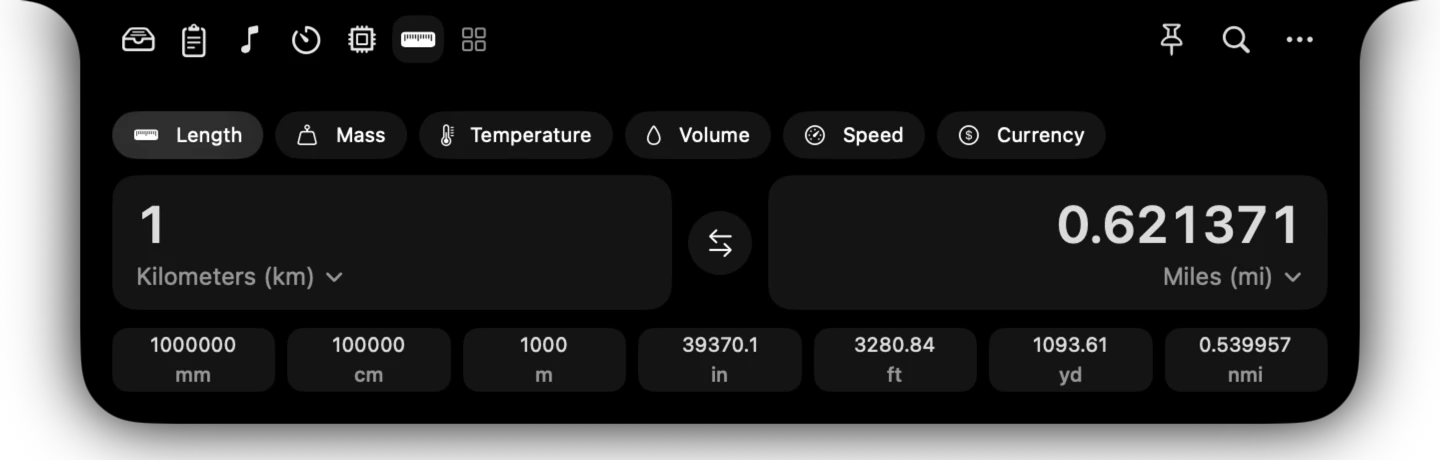
Length, mass, temperature, volume, speed and live currency rates. Type a value, swap the units, and see the common conversions at a glance.

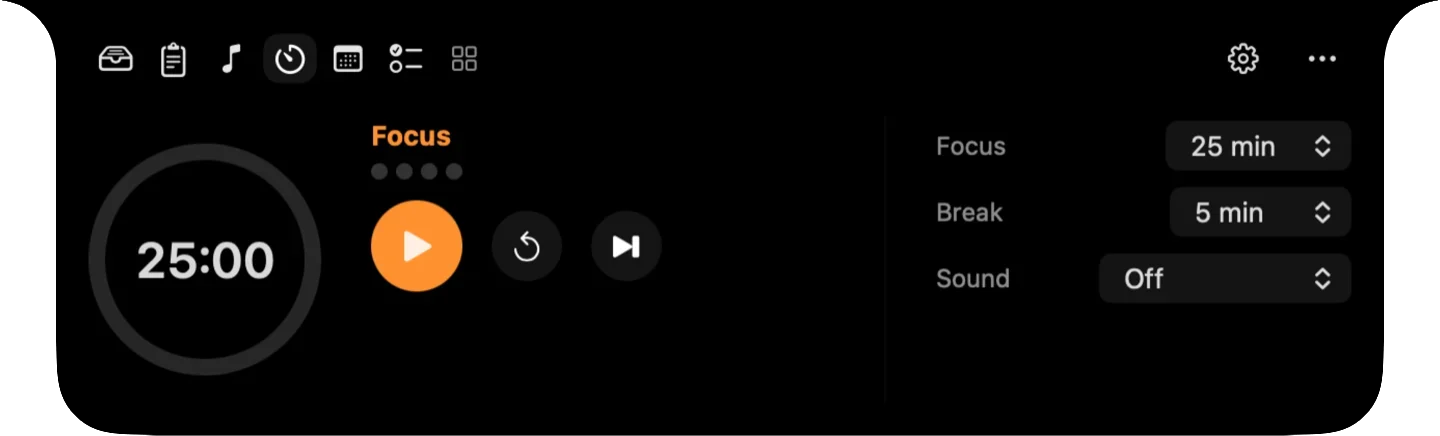
Structured focus sessions with breaks and ambient sound. While a session runs, its progress and remaining time appear beside the notch.

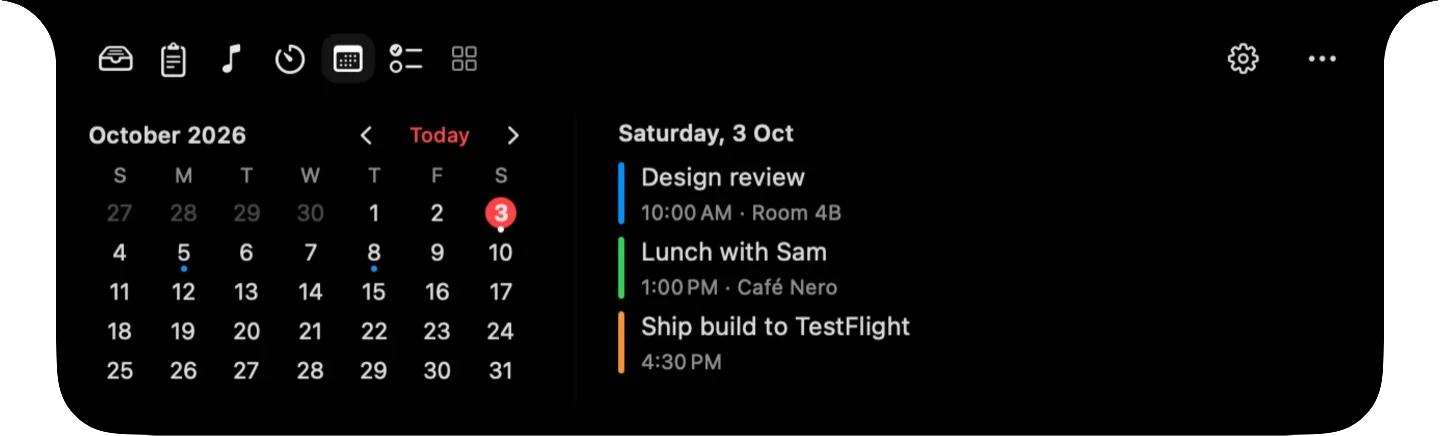
See today's events alongside the month view.

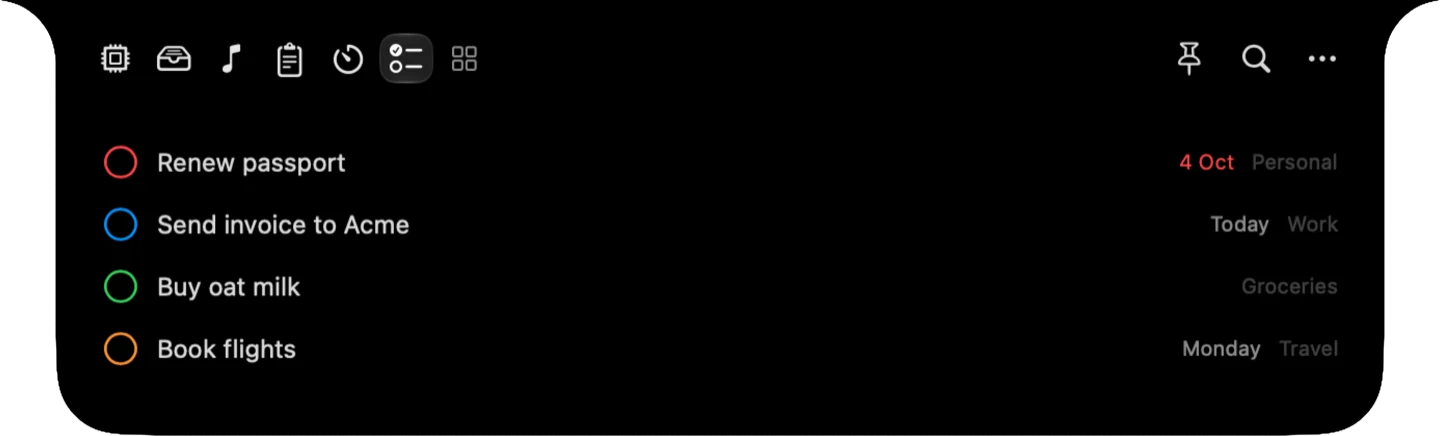
Your open reminders from every list, completed in one click.

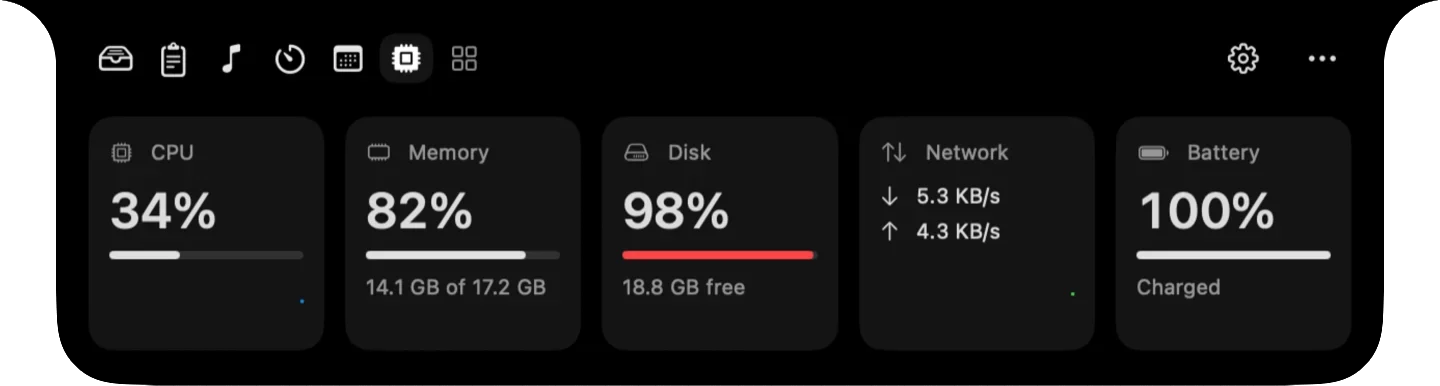
Live CPU, memory, disk, network and battery stats. Indicators change color only when a value needs your attention.

Grab text from anything on screen, drop screenshots onto the shelf, and open any tool or app without reaching for the mouse.
Enable the tools you need and arrange them in the order you prefer.
HyperNotch requires no account and collects no analytics.
HyperNotch requires macOS 26 Tahoe or later and is designed for the notch on MacBook Air and MacBook Pro displays.
Only what a feature uses, and only when you first use it. Grab Text and Screenshot ask for Screen Recording, and Calendar and Reminders ask for access to your events and reminders.
Passwords from password managers are never saved. API keys, tokens and .env secrets copied from other apps are detected, masked in the list and left out of search. By default they delete themselves after 5 minutes, and you can choose to never save them or to keep them. Text in copied images is read on your Mac and nothing is uploaded.
Hover over the notch or click it, depending on your preference. When music or a timer is showing beside the notch, hovering either side opens it too. You can also assign a keyboard shortcut, and dragging a file onto the notch opens the File Shelf.
Yes. In Settings, you can enable or disable each tool and change their order. The first tools appear beside the notch, and the rest are one click away.
After purchase, you'll receive a license key by email. Enter it in Settings to activate HyperNotch on up to 3 Macs. You can deactivate a Mac at any time to transfer the license.
If HyperNotch isn't right for you, contact us within 7 days of purchase for a full refund.